cerise.

One photo, one caption

A picture without a caption is a shop window without a label. The Figure component keeps them together.

By Luke SidneyOct 12, 20261 min readWritingToolsEn français
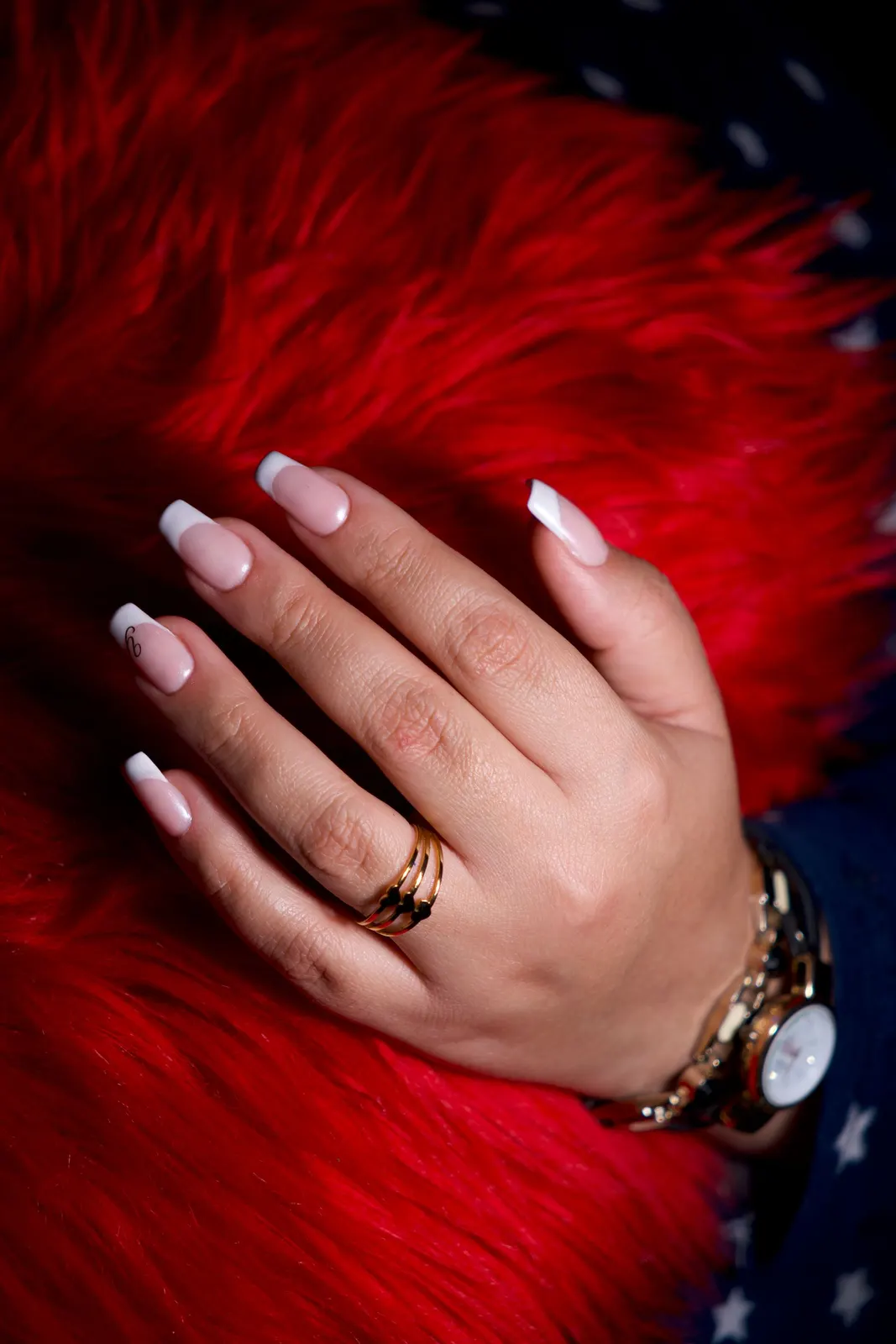
A manicured hand resting on red fur

A photo of your station, a polish colour or your waiting room in full sun says a lot. But on its own it leaves the client guessing. A short caption tells her what to look at.

The Figure component

In cerise, an image and its caption travel together. In source mode, it is written like this:

<Figure src="/img/cerises.webp" caption="Our counter, on a Saturday in July." />

In the editor, the Image button shows the site's photos; you pick one, type the caption, done. The image takes the full width of the column, the caption sits below it in small type, and nothing jumps around while the page loads.

Writing a good caption

  • Say what we see, not what we should feel. "The chair by the window" beats "A moment of pure relaxation."
  • One sentence, two at most.
  • No promises. A caption describes a picture; it does not guarantee a result.

The hidden text that matters

Every image also has alternative text, read aloud by screen readers and shown if the image does not load. cerise asks for it when you insert the image. Describe the picture in one plain sentence: it is a courtesy to the people who cannot see it.

Why no uploads, for now

In this demo, images come from a fixed collection. That is on purpose: a public site where anyone could drop files would be open to every kind of abuse. On your own site, you would add your photos yourself.

Your turn

Try it on this post

Open this post in the editor, change a sentence, publish. Everything works, nothing is kept.

Next post

Tools

Your words belong to you

Everything you write in cerise exports as plain text that opens anywhere. You can leave whenever you want, with everything.

Oct 8, 2026 · 1 min read

More to read

← All posts
View the raw textHide the raw text

This is the text as it was typed. The page is built from it when it is saved.

A photo of your station, a polish colour or your waiting room in full sun says a lot. But on its
own it leaves the client guessing. A short caption tells her what to look at.

## The Figure component

In cerise, an image and its caption travel together. In source mode, it is written like this:

```
<Figure src="/img/cerises.webp" caption="Our counter, on a Saturday in July." />
```

In the editor, the **Image** button shows the site's photos; you pick one, type the caption, done.
The image takes the full width of the column, the caption sits below it in small type, and
nothing jumps around while the page loads.

## Writing a good caption

- **Say what we see**, not what we should feel. "The chair by the window" beats "A moment of pure
  relaxation."
- **One sentence**, two at most.
- **No promises.** A caption describes a picture; it does not guarantee a result.

## The hidden text that matters

Every image also has alternative text, read aloud by screen readers and shown if the image does
not load. cerise asks for it when you insert the image. Describe the picture in one plain
sentence: it is a courtesy to the people who cannot see it.

<Callout type="astuce">
No photo at hand? A post without an image reads just fine. Better no image than an image that
says nothing.
</Callout>

## Why no uploads, for now

In this demo, images come from a fixed collection. That is on purpose: a public site where anyone
could drop files would be open to every kind of abuse. On your own site, you would add your
photos yourself.